Respuesta rapida
Una vista previa local y un prompt para un movimiento controlado.
 GirigoApp.com
AI Studio 5 min read
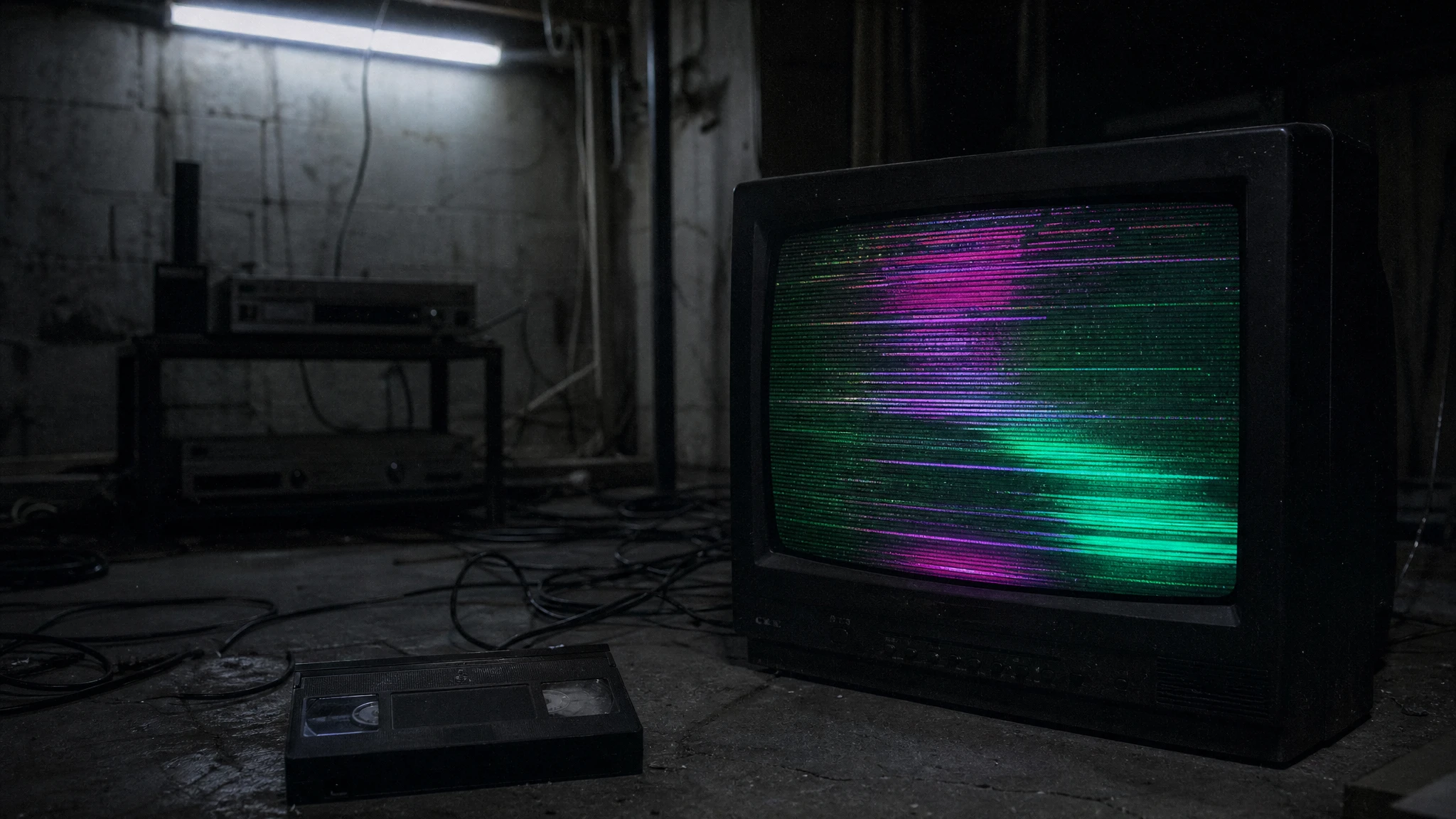
Anade textura VHS, niebla o glitch a un clip corto.
Respuesta rapida
Una vista previa local y un prompt para un movimiento controlado.
Local clip lab
Choose a clip you own. The browser trims and grades a preview; no file is uploaded.
Choose a short clip to start. Nothing leaves this browser.
AI Studio
La textura suele ser postproduccion. Genera un movimiento limpio y anade scanlines y grano despues.
Una vista previa local y un prompt para un movimiento controlado.
AI Studio
Prompt lab
A budget route is enough for a texture-first test.
Use the provided image as the exact starting frame. Create a five-second continuous analog-horror shot. Keep the subject's face, clothing, and body proportions consistent with the reference. Add subtle VHS scanlines, a faint horizontal tracking wobble, soft chroma bleed, and a cold fluorescent grade. The subject blinks once and slowly looks toward the camera. Keep the camera mostly steady with a tiny handheld drift. Maintain realistic motion and stable anatomy. Do not add a second person, do not add a jump scare, do not cut the scene, and do not add readable text or watermarks.
Avoid: second person, jump scare, scene cut, readable text, watermark
Fast queues make it easier to compare glitch timing.
Animate the provided still as a five-second basement horror shot. Preserve the subject's identity, pose, clothing, and lighting. Add one controlled glitch beat at the two-second mark: a brief frame tear and a single flicker of the practical light, then return to the original image. Keep the camera steady. The subject does not move except for a slow breath. Maintain realistic anatomy and consistent color. Do not add extra people, a monster, a scene cut, or text and watermarks.
Avoid: extra people, monster, scene cut, text, watermark
Use a stronger motion route when the light itself must move.
Use the provided image as the starting composition. Create a five-second atmospheric horror clip. Keep the subject's face, costume, and proportions unchanged. A single warm lantern swings gently in the foreground, casting moving shadows across the wall. Fog drifts low across the floor. The camera performs a very slow lateral drift. The subject holds still and blinks once. Maintain realistic motion, stable anatomy, and consistent lighting. Do not change the person, add a second person, introduce a jump scare, cut the scene, or add text and watermarks.
Avoid: face change, second person, jump scare, scene cut, text, watermark
Model routing
| Provider | Best for | Typical route | Docs |
|---|---|---|---|
| WaveSpeedBudget-first | Low-cost image edits and image-to-video drafts | Seedream edit, FLUX Kontext, Wan image-to-video | Docs |
| falSpeed-first | Fast hosted queues and strong model coverage | FLUX, Kling, and other hosted media models | Docs |
| KieCharacter-first | Nano Banana image edits and Kling video routes | Nano Banana, Kling video | Docs |
| SeeAPIRouting layer | One API surface for several model families and fallback routes | Image and video inference endpoints | Docs |
| ReplicateExperiment-first | Broad catalogue for experiments and batch comparisons | Community and first-party image/video models | Docs |
AI Studio
English
FAQ
No. El editor local trabaja en el navegador. Si copias un prompt a un proveedor, se aplican sus terminos.
Solo si tienes derechos sobre la foto, la licencia del modelo lo permite y declaras la IA cuando corresponda. No uses la cara de otra persona sin consentimiento.
Fuentes verificadas