Kurzantwort
Eine lokale Vorschau und ein Prompt fuer eine kontrollierte Bewegung.
 GirigoApp.com
AI Studio 5 min read
Gib einem kurzen Clip VHS-, Nebel- oder Glitch-Textur.
Kurzantwort
Eine lokale Vorschau und ein Prompt fuer eine kontrollierte Bewegung.
Local clip lab
Choose a clip you own. The browser trims and grades a preview; no file is uploaded.
Choose a short clip to start. Nothing leaves this browser.
AI Studio
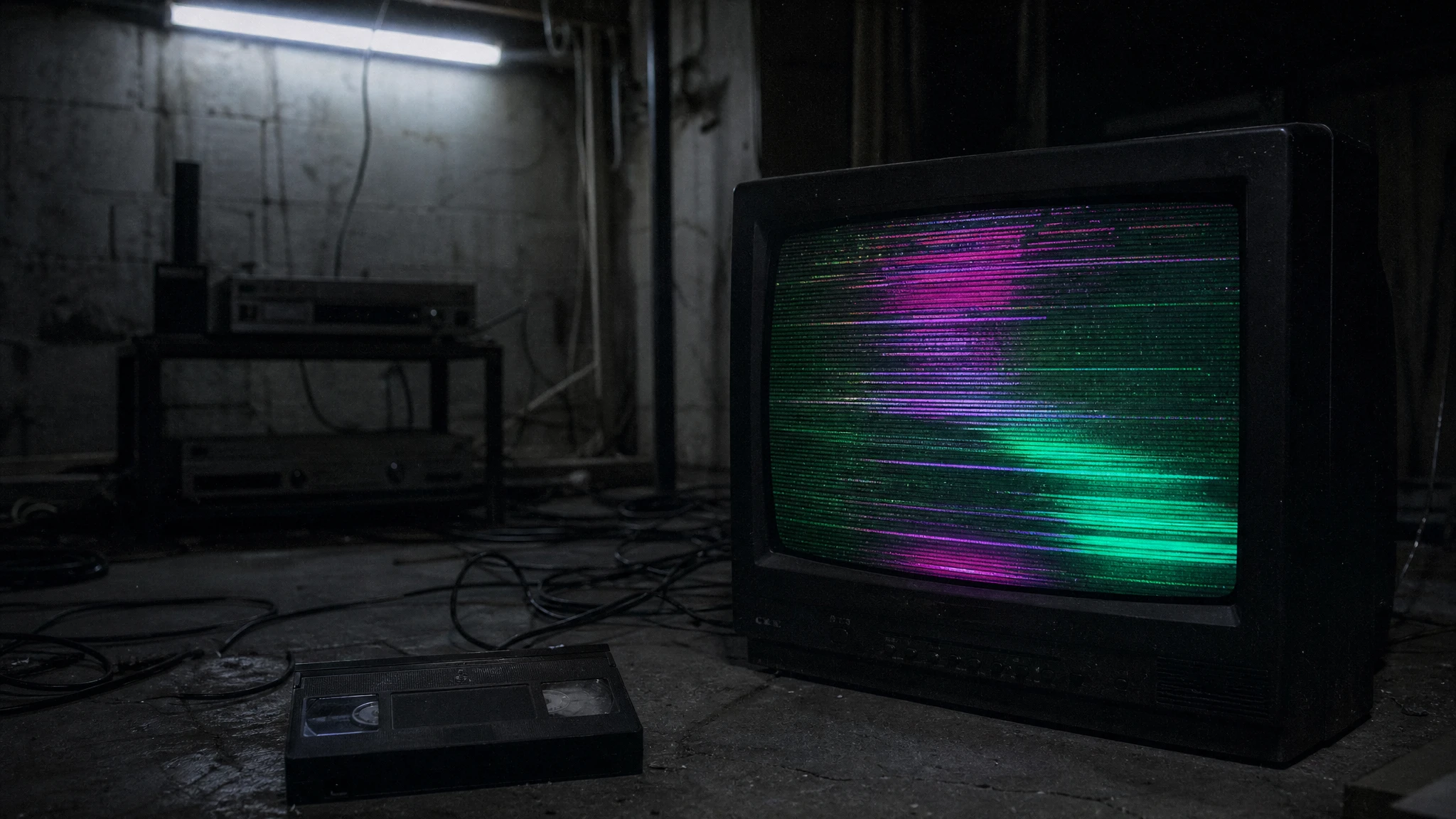
Textur ist meistens Postproduktion. Erzeuge eine einfache Bewegungsplatte und lege Scanlines und Korn danach darueber.
Eine lokale Vorschau und ein Prompt fuer eine kontrollierte Bewegung.
AI Studio
Prompt lab
A budget route is enough for a texture-first test.
Use the provided image as the exact starting frame. Create a five-second continuous analog-horror shot. Keep the subject's face, clothing, and body proportions consistent with the reference. Add subtle VHS scanlines, a faint horizontal tracking wobble, soft chroma bleed, and a cold fluorescent grade. The subject blinks once and slowly looks toward the camera. Keep the camera mostly steady with a tiny handheld drift. Maintain realistic motion and stable anatomy. Do not add a second person, do not add a jump scare, do not cut the scene, and do not add readable text or watermarks.
Avoid: second person, jump scare, scene cut, readable text, watermark
Fast queues make it easier to compare glitch timing.
Animate the provided still as a five-second basement horror shot. Preserve the subject's identity, pose, clothing, and lighting. Add one controlled glitch beat at the two-second mark: a brief frame tear and a single flicker of the practical light, then return to the original image. Keep the camera steady. The subject does not move except for a slow breath. Maintain realistic anatomy and consistent color. Do not add extra people, a monster, a scene cut, or text and watermarks.
Avoid: extra people, monster, scene cut, text, watermark
Use a stronger motion route when the light itself must move.
Use the provided image as the starting composition. Create a five-second atmospheric horror clip. Keep the subject's face, costume, and proportions unchanged. A single warm lantern swings gently in the foreground, casting moving shadows across the wall. Fog drifts low across the floor. The camera performs a very slow lateral drift. The subject holds still and blinks once. Maintain realistic motion, stable anatomy, and consistent lighting. Do not change the person, add a second person, introduce a jump scare, cut the scene, or add text and watermarks.
Avoid: face change, second person, jump scare, scene cut, text, watermark
Model routing
| Provider | Best for | Typical route | Docs |
|---|---|---|---|
| WaveSpeedBudget-first | Low-cost image edits and image-to-video drafts | Seedream edit, FLUX Kontext, Wan image-to-video | Docs |
| falSpeed-first | Fast hosted queues and strong model coverage | FLUX, Kling, and other hosted media models | Docs |
| KieCharacter-first | Nano Banana image edits and Kling video routes | Nano Banana, Kling video | Docs |
| SeeAPIRouting layer | One API surface for several model families and fallback routes | Image and video inference endpoints | Docs |
| ReplicateExperiment-first | Broad catalogue for experiments and batch comparisons | Community and first-party image/video models | Docs |
AI Studio
English
FAQ
Nein. Der lokale Editor arbeitet im Browser. Erst wenn du einen Prompt bei einem Anbieter ausfuehrst, gelten dessen Bedingungen.
Nur wenn du die Rechte am Ausgangsfoto hast, die Modell-Lizenz es erlaubt und du KI-Unterstuetzung dort offenlegst, wo es noetig ist. Verwende keine fremden Gesichter ohne Einwilligung.
Geprufte Quellen