English quick take
Generate one simple motion beat, then add scanlines, grain, chroma bleed, and a cold grade in the local lab or an editor. Do not ask the model to do all five at once.
 GirigoApp.com
AI Studio field note 5 min read
VHS horror is a texture problem, not a generation problem. This guide shows how to generate a clean motion plate and add the texture where you can actually control it.
English quick take
Generate one simple motion beat, then add scanlines, grain, chroma bleed, and a cold grade in the local lab or an editor. Do not ask the model to do all five at once.
Field note
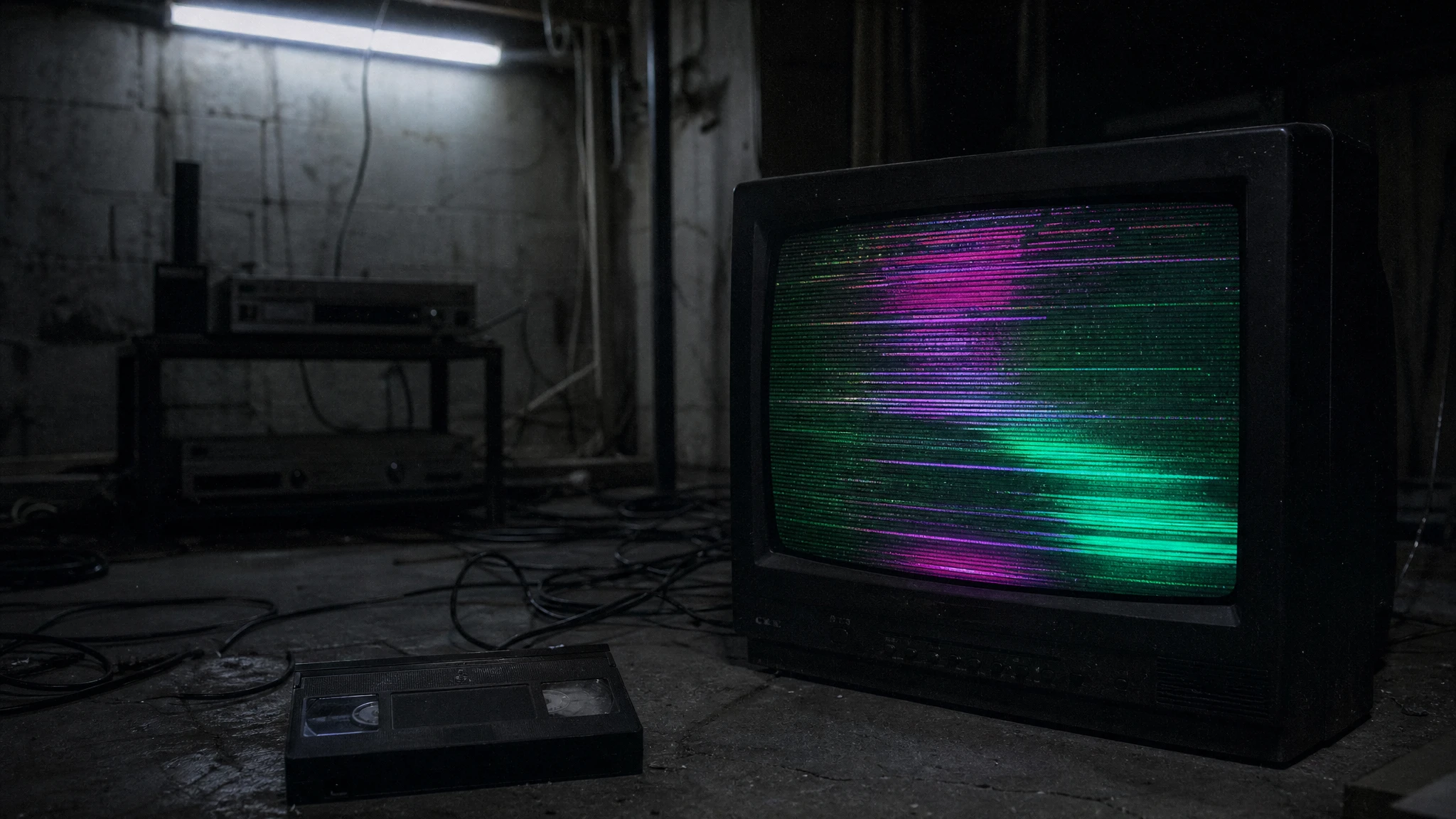
A video model can move a subject, drift fog, or push in. It is much less reliable at producing a consistent scanline pattern, a stable timecode, or a repeatable glitch. Those are post-production effects, and they are easier to control frame by frame. When you ask the model to do both motion and texture, you get a muddy compromise.
The reliable workflow is to split the job. Use the model for the motion plate. Use the local lab or an editor for the texture. That gives you a clean master you can re-grade, re-crop, and re-use without regenerating the performance.
Field note
Generate or shoot a short clip with a stable face, a clear light source, and a simple background. Keep the camera movement minimal. If the plate already has a heavy filter, the texture will stack on top and the face will lose detail. A clean plate is easier to degrade in a controlled way.
Trim the clip before you grade. The local clip lab lets you set a start and end point and export a short silent preview. That is enough to judge the texture. If the timing is wrong, fix it before you add audio or titles.
Field note
The VHS Wake recipe asks for one continuous five-second shot, preserves the face and body, and adds subtle scanlines, a faint tracking wobble, soft chroma bleed, and a cold fluorescent grade. It also says no second person, no jump scare, no scene cut, and no readable text or watermarks.
Notice that the prompt does not ask for a full VHS menu, a timecode, or a fake date stamp. Those elements are better added in post. The prompt only asks for the parts that need to move with the image: the scanline shimmer and the tracking wobble.
Field note
A budget image-to-video route on WaveSpeed is usually enough for a texture-first test. fal is useful when you want a fast queue for several glitch timings. Kie's Kling routes are useful when the subject needs a more controlled performance. Replicate is useful for comparing several models with the same prompt.
If the model cannot hold the face for five seconds, do not add more texture. Fix the motion first. A clean, stable three-second clip with a strong grade is better than a five-second clip with a drifting face.
Field note
Check the skin tone after the grade. VHS-style effects often push skin toward green or magenta; make sure the face still looks like a person. Check the black level; crushed shadows can hide the costume. Check the scanline density at the final viewing size; a pattern that looks good at full resolution may disappear on a phone.
Add one texture at a time. Scanlines first, then grain, then chroma bleed. If you add all three at once, you will not know which one is too strong. Keep a clean master and a graded master so you can compare.
Field note
The local export is silent by design. Add room tone, a low drone, or a single sound effect in your editor. The absence of audio is not a bug; it is a clean handoff. If you add music, check the license before you publish.
The studio page gives you a local grade, a trim, and a short export. It does not upload the clip, and it does not pretend that a browser filter is a full VHS emulator. That honesty makes the workflow easier to repeat.
Embedded studio
Open the studio
The local lab applies a preview grade and exports a short silent clip. The prompt recipes show how to ask an image-to-video model for the same effect without turning the footage into mush.
Use the provided image as the exact starting frame. Create a five-second continuous analog-horror shot. Keep the subject's face, clothing, and body proportions consistent with the reference. Add subtle VHS scanlines, a faint horizontal tracking wobble, soft chroma bleed, and a cold fluorescent grade. The subject blinks once and slowly looks toward the camera. Keep the camera mostly steady with a tiny handheld drift. Maintain realistic motion and stable anatomy. Do not add a second person, do not add a jump scare, do not cut the scene, and do not add readable text or watermarks.
Model routing
| Provider | Best for | Typical route | Docs |
|---|---|---|---|
| WaveSpeedBudget-first | Low-cost image edits and image-to-video drafts | Seedream edit, FLUX Kontext, Wan image-to-video | Docs |
| falSpeed-first | Fast hosted queues and strong model coverage | FLUX, Kling, and other hosted media models | Docs |
| KieCharacter-first | Nano Banana image edits and Kling video routes | Nano Banana, Kling video | Docs |
| SeeAPIRouting layer | One API surface for several model families and fallback routes | Image and video inference endpoints | Docs |
| ReplicateExperiment-first | Broad catalogue for experiments and batch comparisons | Community and first-party image/video models | Docs |
FAQ
Yes. The local lab applies a preview grade, scanline-style texture, and vignette in the browser. Use AI when you need new motion, not just a filter.
The browser export is a visual preview. Add sound in your editor after the picture is locked.
Texture is usually better in post. Use a cheap image-to-video route for motion and add scanlines, grain, and chroma bleed in the local lab or an editor.
The browser exports WebM where MediaRecorder is supported. Convert to MP4 with your editor or ffmpeg if the platform requires it.
Checked sources